Focus
Direction, priorities, quarterly goals
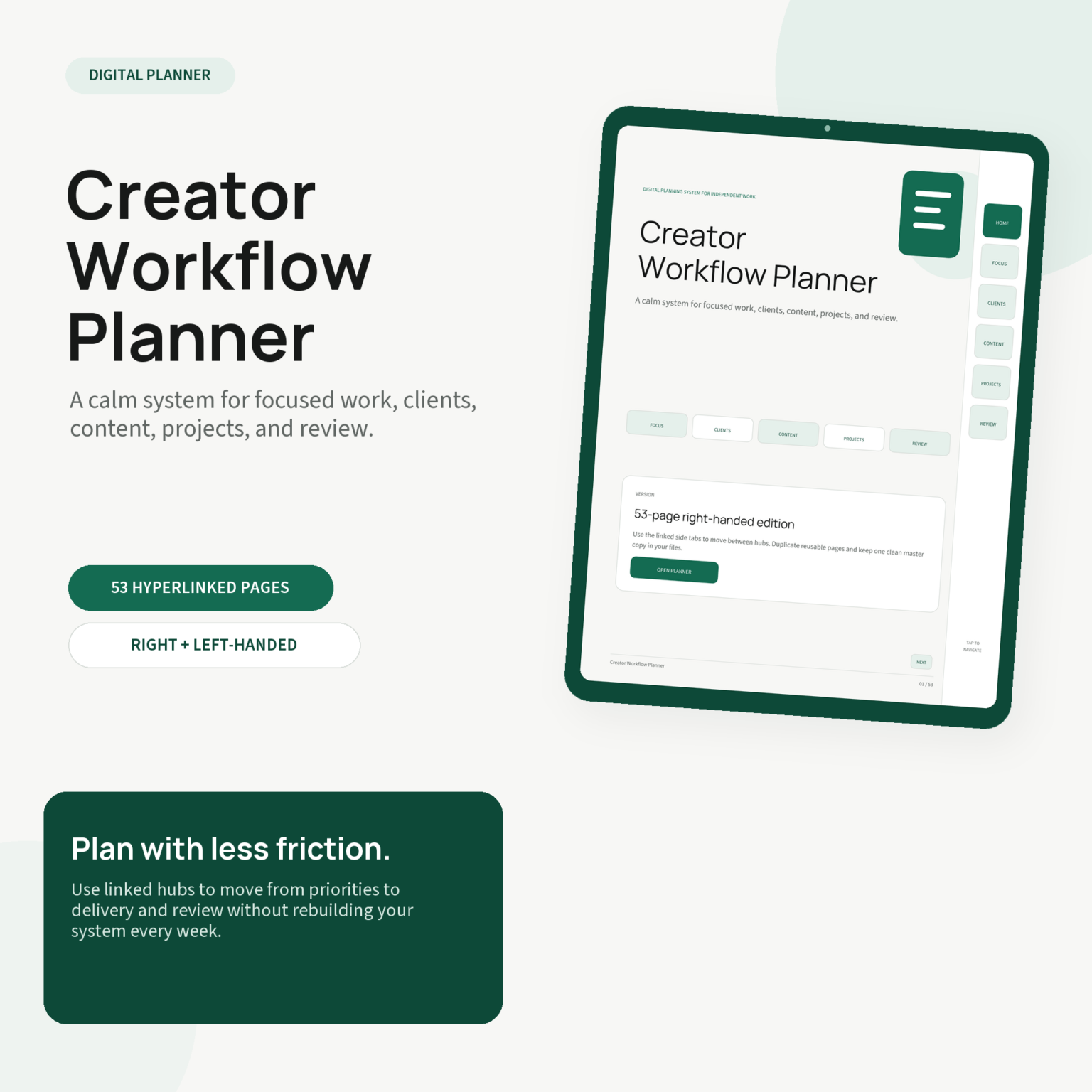
Creator workflow planner · 53 pages
Plan priorities, manage clients, shape content, move projects forward, and review the week in one connected 53-page PDF—without rebuilding your setup every Monday.
Works with tablet PDF annotation apps that support internal links.
A connected system
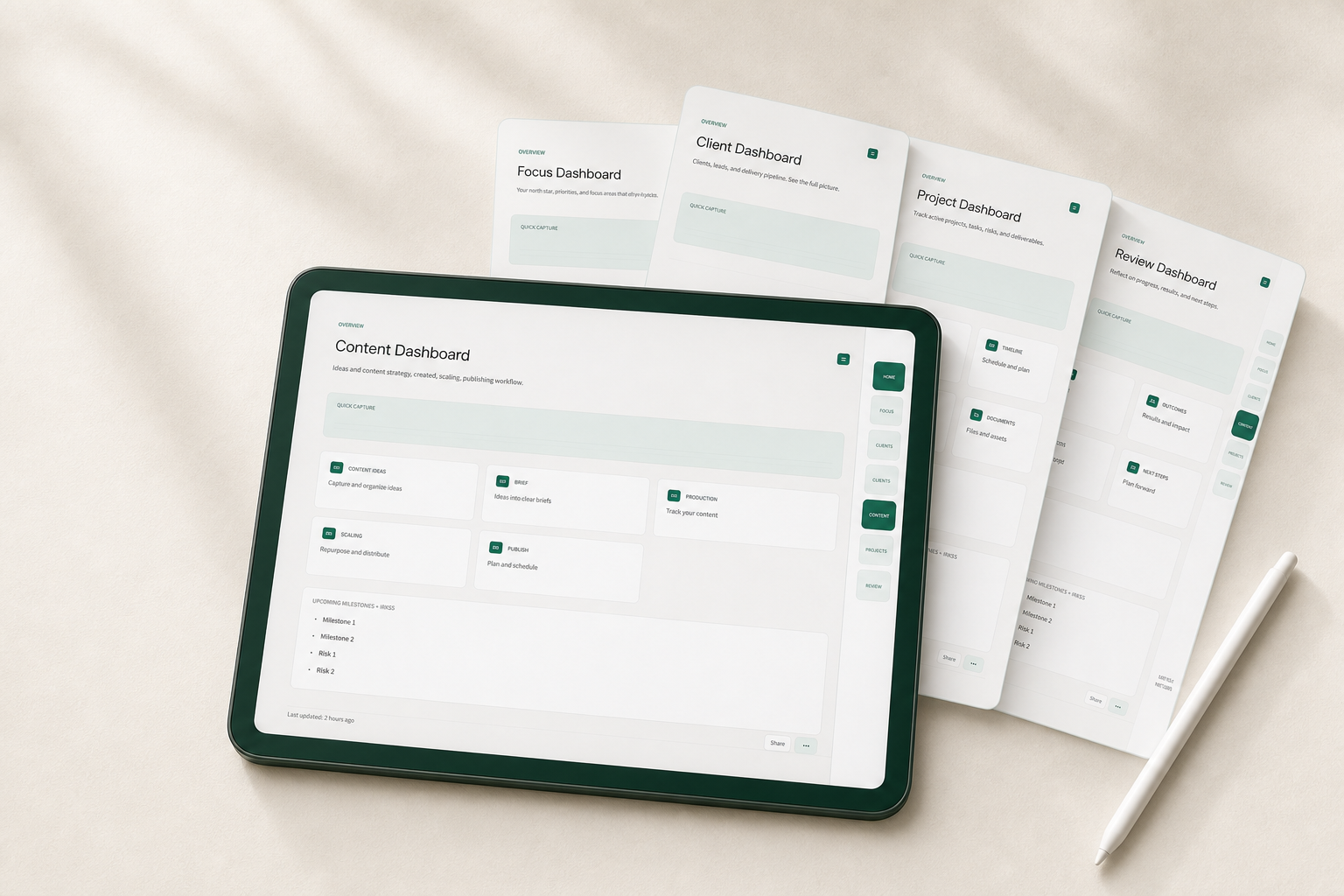
Move from quarterly direction to weekly action without losing the thread between what matters and what needs doing next.
Direction, priorities, quarterly goals
Leads, delivery, notes, follow-ups
Ideas, briefs, production, publishing
Milestones, tasks, risks, decisions
Daily, weekly, monthly, quarterly
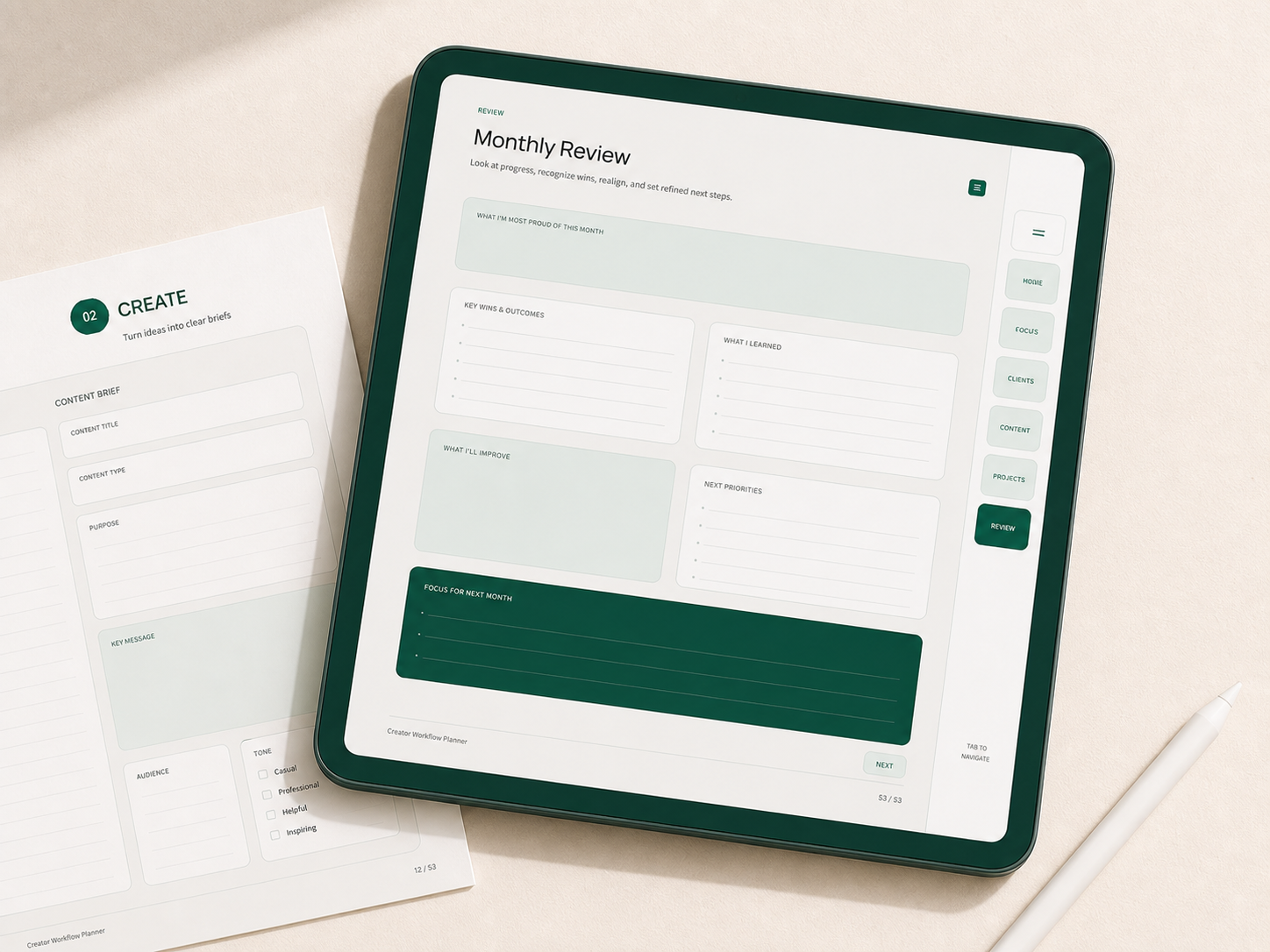
Capture wins, lessons, and next priorities in one calm view, then carry only the right work forward.
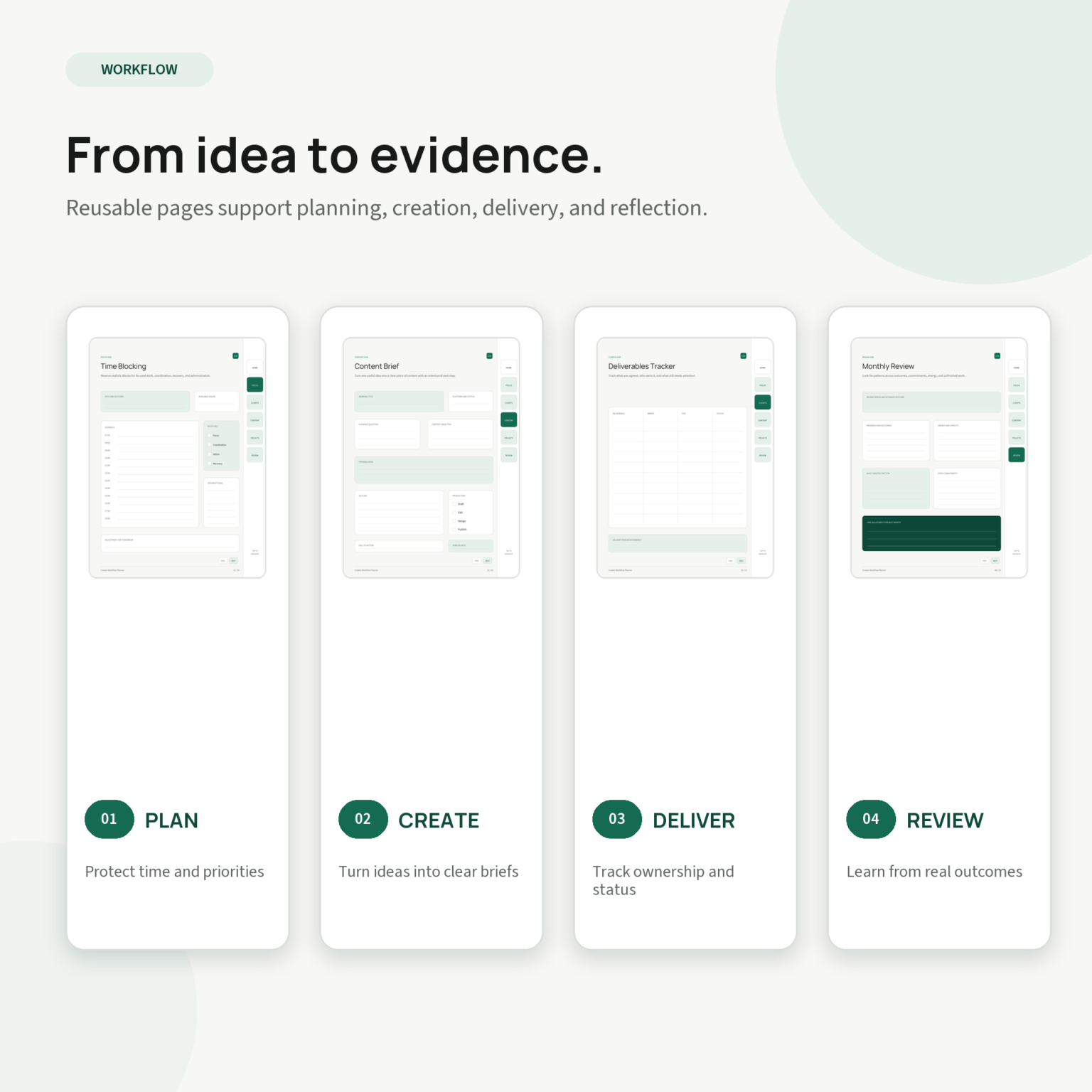
Reusable pages keep the work connected from the first idea to the lesson you carry into next week.
Ready when you are
Get both 53-page planner editions, the getting-started guide, and your personal-use license—all four files, ready after checkout.
For tablet PDF apps with internal-link support.
From intention to action
Set direction, turn ideas into briefs, keep delivery visible, then review the week without starting from a blank page.
Explore what's included ↘Good systems don't ask you to become a different person. They make the way you already work feel lighter.
THE CEVORAINE PRINCIPLEEverything included
Your purchase gives you both planner orientations plus the two supporting files you need to set up and use them confidently.
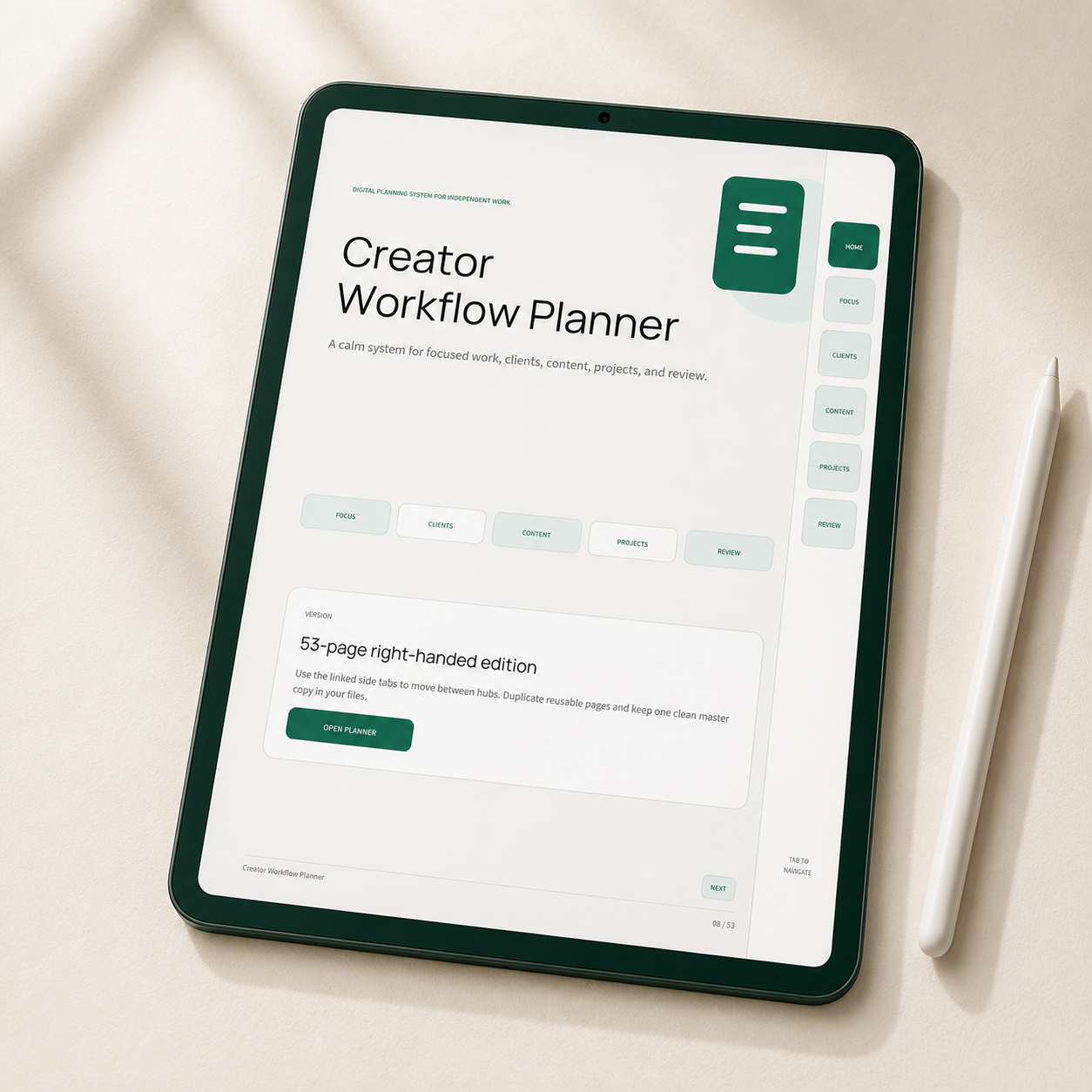
53 hyperlinked pages with the navigation tabs on the right.
The same 53-page system with the navigation tabs on the left.
Simple setup and usage notes for your first planning session.
Clear personal-use terms for one purchaser.
Built for real creative work
Four practical choices keep the planner focused, connected, and easy to return to throughout the week.
✓ One calm system from direction to reviewFive linked hubs keep focus, clients, content, projects, and review within easy reach.
See priorities and delivery in one calm system instead of rebuilding your process across scattered pages.
A dedicated Review hub helps you reflect, carry the right work forward, and reset with clarity.
Both navigation editions and a getting-started guide are included, so setup begins with a clear path.
Launch offer
Choose your navigation side, open the planner in a compatible tablet PDF app, and begin with the included setup guide.
Before you begin
Still wondering if it fits your setup? The support panel below gives you an email you can copy in one tap.
Use the planner in a tablet PDF annotation app that supports internal hyperlinks. Before buying, check that your preferred app supports internal PDF links; the exact experience can vary by app and device.
Yes. Your download includes both the right-handed and left-handed 53-page editions, so you can choose the one that feels natural.
No. The launch price is a one-time purchase for the current planner bundle and supporting files.
The layout is designed first for digital use on a tablet. Individual pages can be printed, but the linked navigation is the heart of the experience.
Human support
Questions about compatibility, setup, or your download? Copy the address and email us from the app you prefer.